YSC 8K · Setup Guide
Wire it up.
Then follow the video.
Connect the box, install the driver from Downloads, then watch the video guide for firmware flashing and everyday use. The diagrams and video below cover the whole process.
01 HOW IT CONNECTS
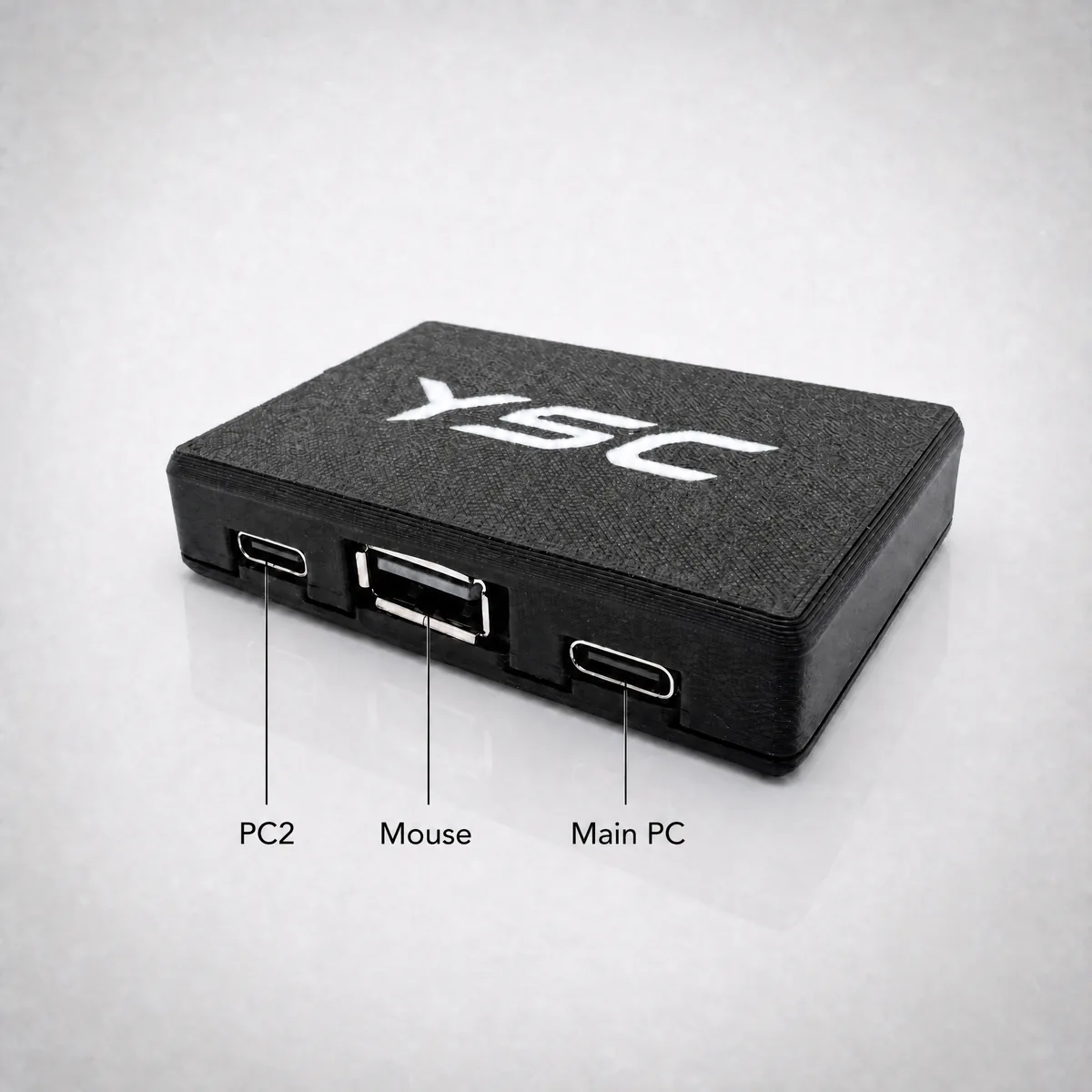
Fig. 1 — Wiring · three ports: PC2 · MOUSE · MAIN PC
Three ports, one box: plug your mouse / keyboard / controller into MOUSE, run a data cable from MAIN PC to your computer, and keep PC2 for an optional second PC. Use a data cable — charge-only cables won't work.
02 VIDEO GUIDE
01
WIRINGWire it up
Follow Fig. 1 above — plug the mouse into MOUSE, run a data cable from MAIN PC to your PC.
02
DRIVERInstall the driver
Download and install the YSC 8K Driver from Downloads.
03
FIRMWARE & USAGEFollow the video guide
For firmware flashing and everyday use, follow the video guide below step by step.
Video guide — firmware flashing & usage walkthrough
Prefer a bigger screen? Watch the video guide on YouTube ↗
03 THE UNIT
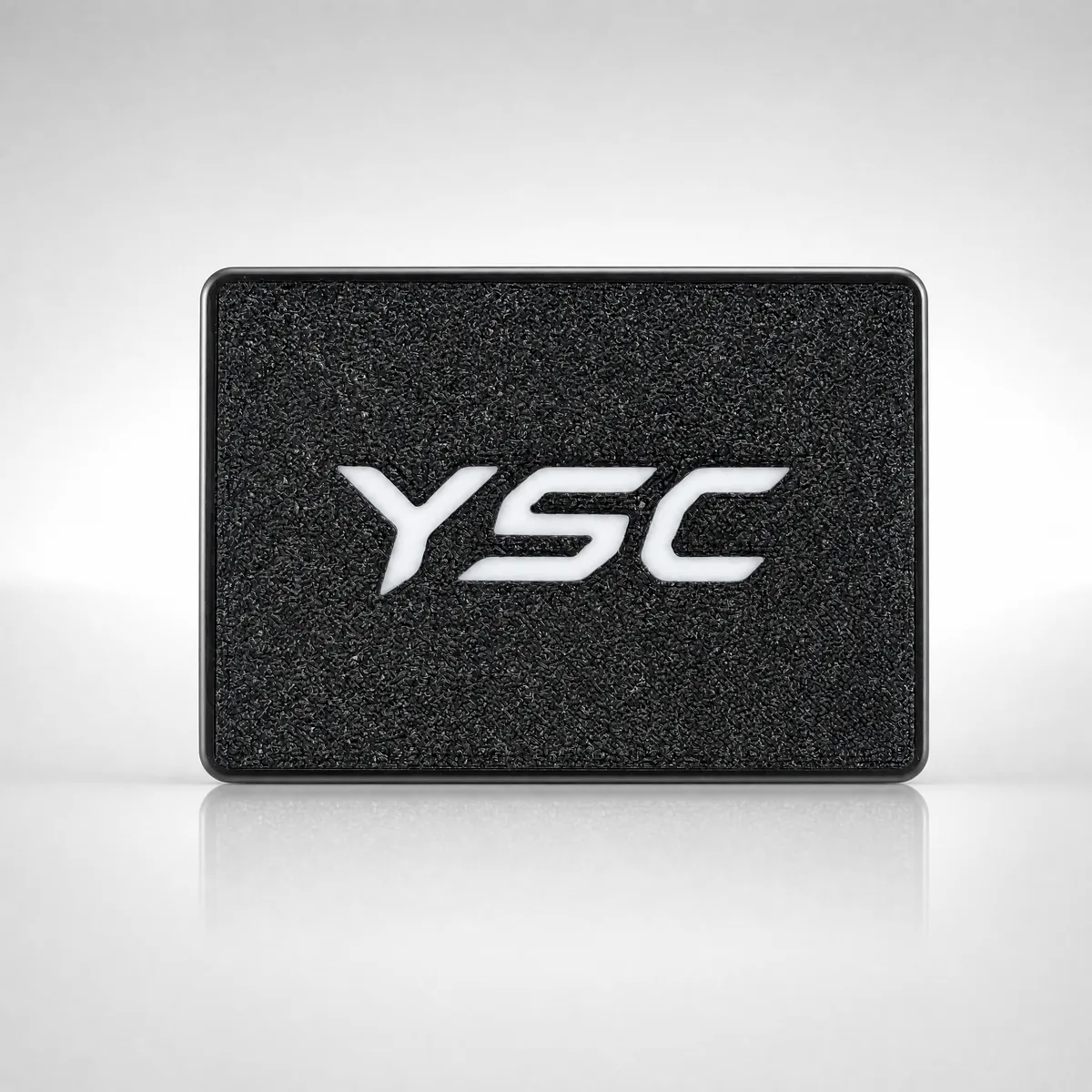
Fig. 3 — The unit · true passthrough · real 8K · stealth anti-detection